 mlie
mlieThe Remote Doors Mod introduces remote-controlled structures and devices, allowing you to manage doors and defensive elements from a distance using dedicated remote technology.
Remote Doors Features
The Remote Doors Mod adds several new buildable objects focused on remote access and control.
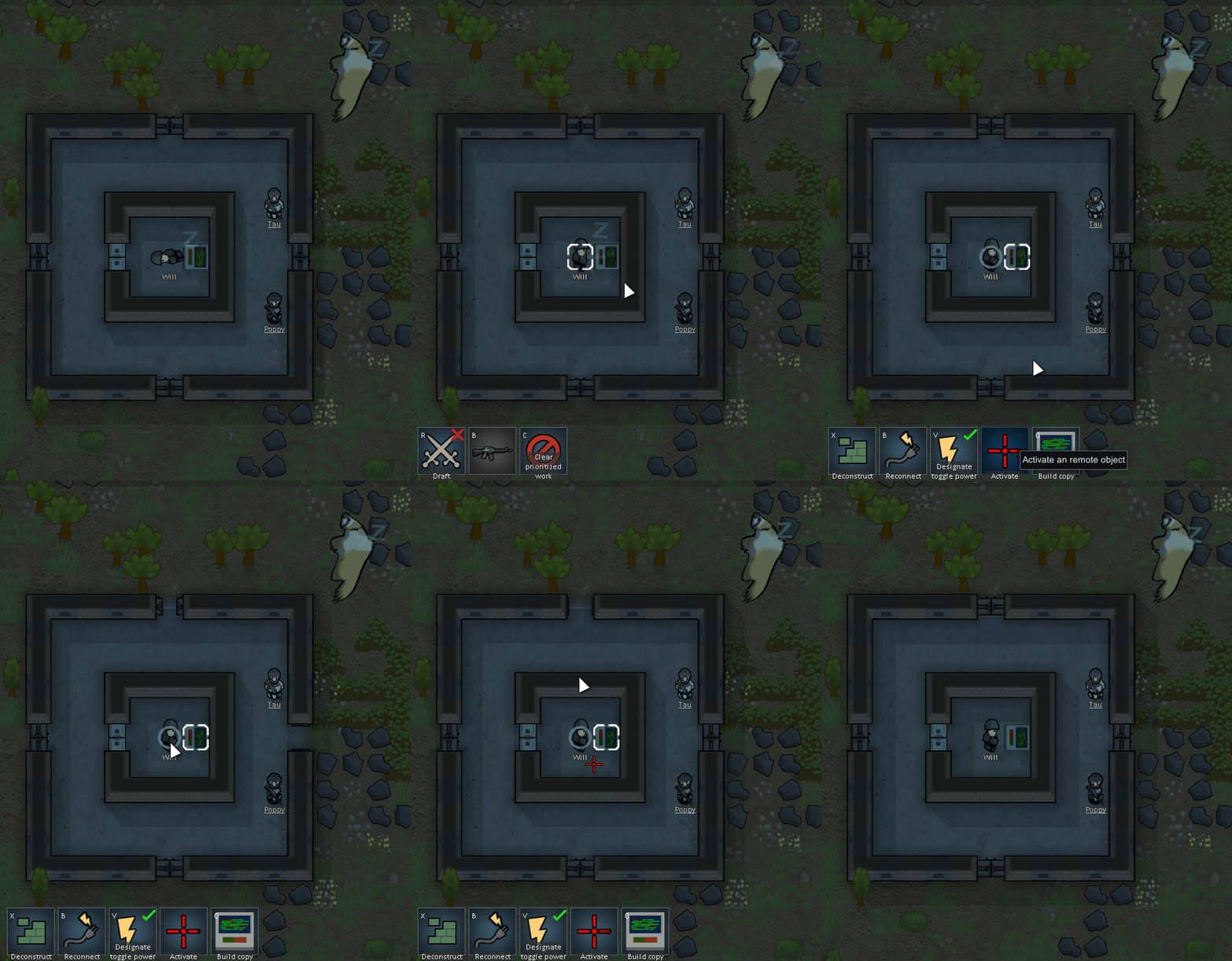
- Remote Controller: A controller that can access other remote objects and activate their functionality. Section: Misc. Research required: Electricity.
- Remote Door: A special door that can only be opened or closed using the Remote Controller. Section: Structures. Research required: Autodoors.
- Remote Embrasure: A wall with an embrasure that is closed by default. When activated via Remote Controller, it opens to allow shooting through it. Section: Structures. Research required: Autodoors.
- Remote Power Switch: Allows remote control over connected power systems.

Compatibility notes
When troubleshooting the Remote Doors Mod:
- See if the error persists if you just have this mod and its requirements active.
- If not, try adding your other mods until it happens again.
- Always post your log using the Log Uploader.
- For best support, please use the Discord-channel for error-reporting.
- Do not report errors by making a discussion-thread, I get no notification of that.
- If you have the solution for a problem, please post it to the GitHub repository.
- Use RimSort to sort your mods.