 mlie
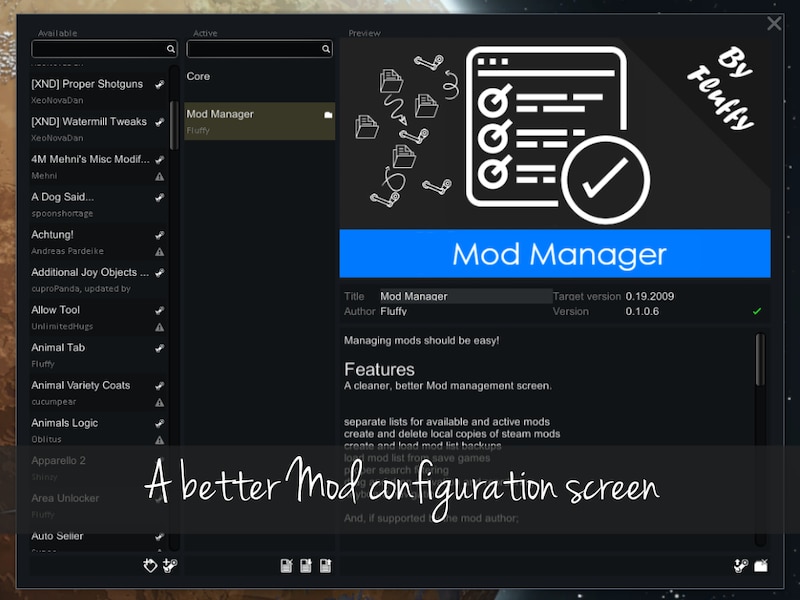
mlieThe Mod Manager Mod improves RimWorld’s mod management screen with separate active and available mod lists, mod list backups, Steam Workshop tools, drag-and-drop load order management, search filtering, keyboard navigation, mod coloring, and support for extra mod metadata such as dependencies, incompatibilities, version checks, and load order hints.
Mod Manager Mod Features
- A cleaner and more practical mod management screen.
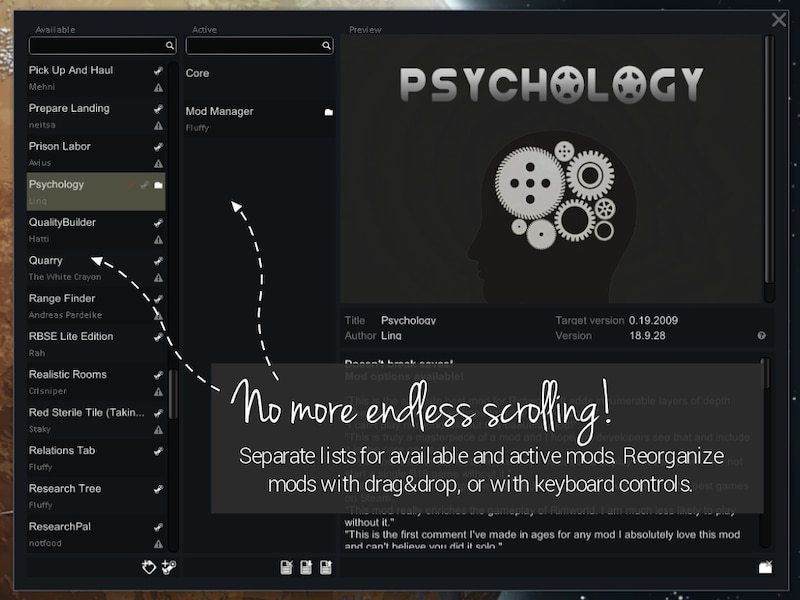
- Separate lists for available and active mods.
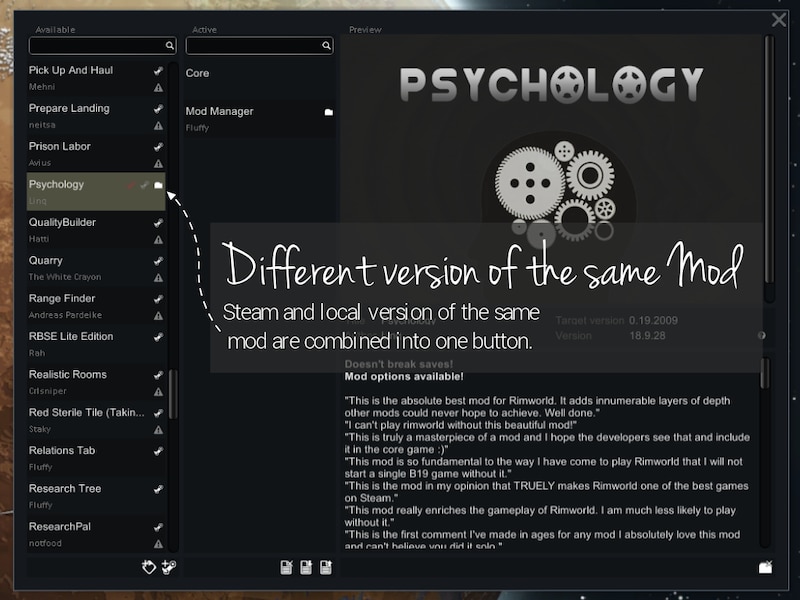
- Create and delete local copies of Steam mods.
- Create and load mod list backups.
- Load mod lists from save games.
- Subscribe to individual or multiple Steam Workshop mods.
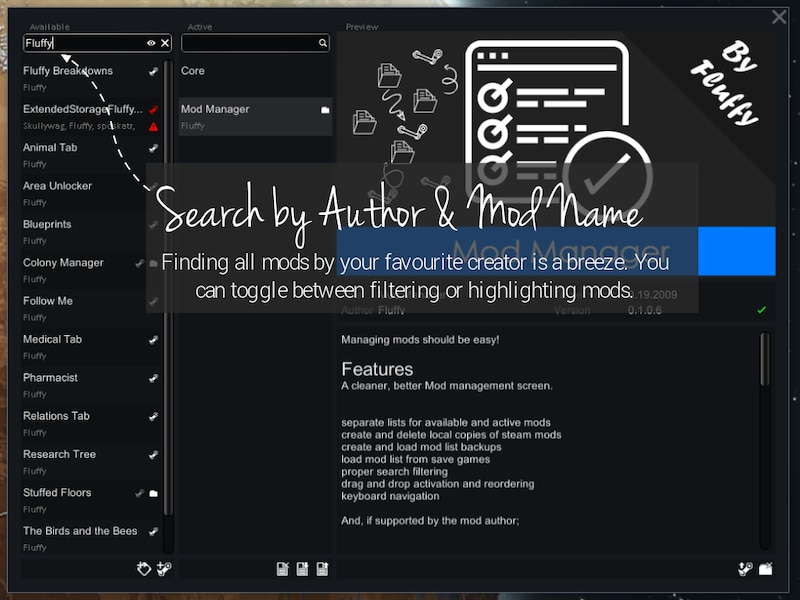
- Proper search filtering.
- Drag-and-drop activation and load order reordering.
- Keyboard navigation.
- Mod and mod list coloring, including selectable background colors.
- Discovery of other mods by your favorite authors.
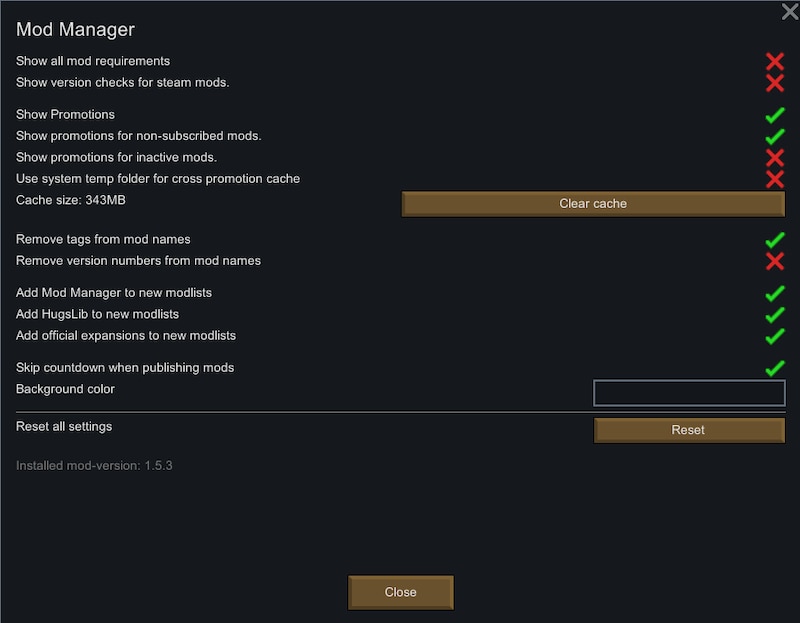
- Option to skip the countdown when publishing.
- Mods can be tagged as translations when publishing.
- Mods already tagged as translations will have the translation checkbox pre-filled.
- Custom changenotes can be set when publishing mod updates.
Supported mod author features
If supported by the mod author, the Mod Manager Mod can also provide:
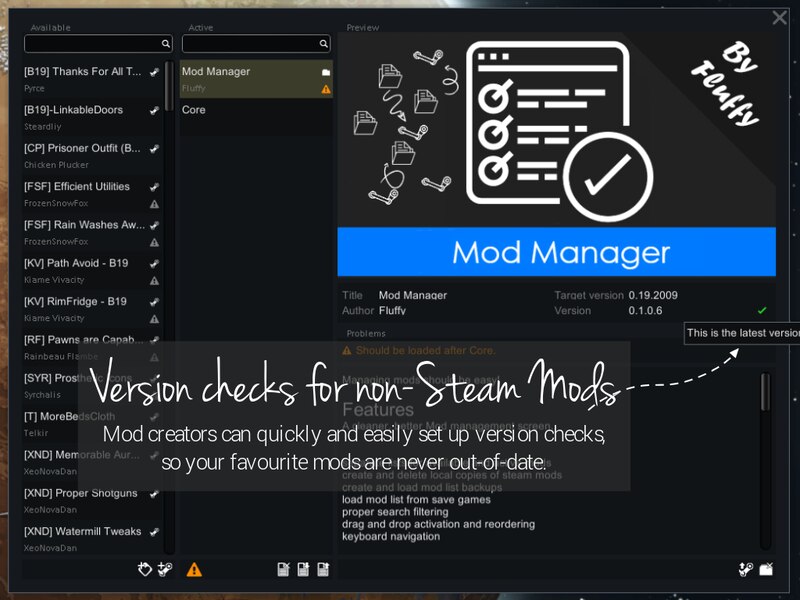
- Version checking.
- Dependency checks.
- Incompatibility checks.
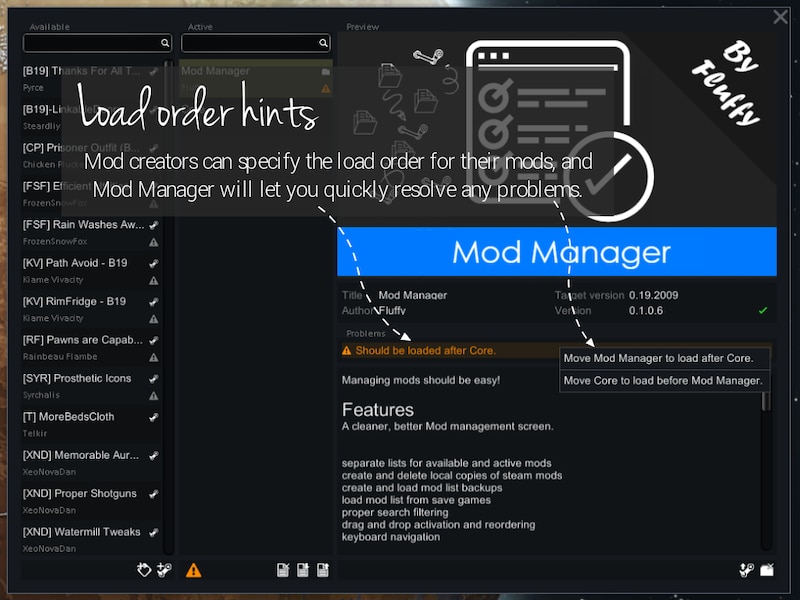
- Load order hints.
For modders
The Mod Manager Mod allows modders to create a Manifest.xml file to enable additional functionality that should have been available in vanilla RimWorld, including version checking, dependency checking, incompatibility checking, and load order hints.
See the documentation for details on how to implement this.
Local mod copies
You can make a local copy of any Steam mod, or all active Steam mods at once, by clicking the corresponding button under the mod details or active mods list. This helps prevent Steam updates from breaking an ongoing game. Local mods are created in the RimWorld/Mods folder and can be deleted manually or through the corresponding button under the mod details.
Note: It is recommended to occasionally delete obsolete local copies, as having many mods in the mod folder can make RimWorld take longer to start and make the mod manager window take longer to open.
Mod list backups
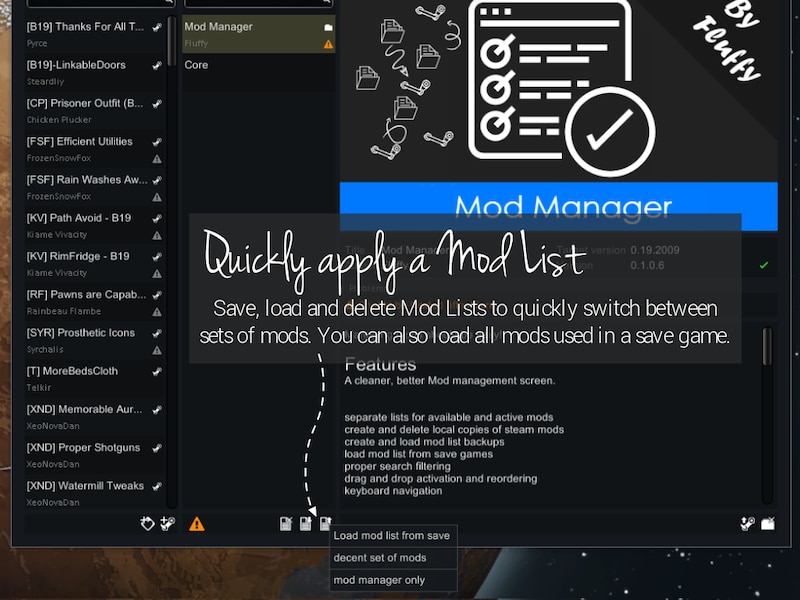
You can create mod lists by clicking the mod list button under your active mods and selecting “save current list”. Each list needs a unique name and is stored in a folder next to your save games.
To load a mod list, click the mod list button and select the save game or mod list you want to load mods from. Any mods that cannot be matched to your current list of mods will be greyed out.
To delete a mod list without deleting the actual mods, click the mod list button, select the list, and choose the delete option.
Steam subscribing
If a loaded mod list contains mods you do not have installed, but they are available on the Steam Workshop, you can install them quickly from the mod details. You can also use the “subscribe to all” button under the active mods list to subscribe to all missing mods.
Mod and mod list colors
You can set colors for individual mods by clicking the palette icon under the mod details. To change the color for all mods in a mod list, click the mod list icon under the active mod list, select the list, and choose “change colour”.
Keyboard navigation
- Tab: Cycles focus between search inputs and mod lists.
- Up/Down: Selects the previous or next mod in the list.
- Page Up/Down: Selects the top or bottom mod in the list.
- Left/Right: Switches focus between the active and available lists.
You can also manipulate the lists with keyboard shortcuts:
- Enter: Activates or deactivates a mod and selects the next mod in the list.
- Shift+Left: Deactivates a mod, keeps it selected, and switches focus to the available list.
- Shift+Right: Activates a mod, keeps it selected, and switches focus to the active list.
- Shift+Up/Shift+Down: Moves an active mod up or down in the load order.
- Shift+Page Up/Page Down: Moves an active mod to the top or bottom of the load order.
Mod promotions
When a Steam Workshop mod is selected, or when a local copy of a Steam Workshop mod is selected, the Mod Manager Mod can automatically look for other mods by the same author and show promotions for mods you do not already have. These promotions help you discover other mods by your favorite authors and quickly subscribe to them.
This function can be turned off in the settings.
License
All original code in this mod is licensed under the MIT license. All original content, such as text, imagery, and sounds, is licensed under the CC-BY-SA 4.0 license.
Parts of the code and some of the content may be licensed by their original authors. If this is the case, the original author and license will either be given in the source code or in a LICENSE file next to the content. Use the original source code available on GitHub so license information in the source code is preserved.
Compatibility notes
When troubleshooting the Mod Manager Mod:
- See if the error persists with only this mod and its requirements active.
- If not, add your other mods back until the issue happens again.
- Always post your log using the Log Uploader.
- For best support, use the Discord channel for error reporting.
- Do not report errors by making a discussion thread, as the modder gets no notification of that.
- If you have the solution for a problem, post it to the GitHub repository.
- Use RimSort to sort your mods.
Additional credits: Freepik, Pixel perfect.