 mlie
mlieWeapon Storage Mod adds storage crates for weapons and a system to assign multiple weapons to pawns so they can switch loadouts while drafted. It also includes an optional repair attachment that automatically repairs stored weapons when placed nearby.
Weapon Storage Features
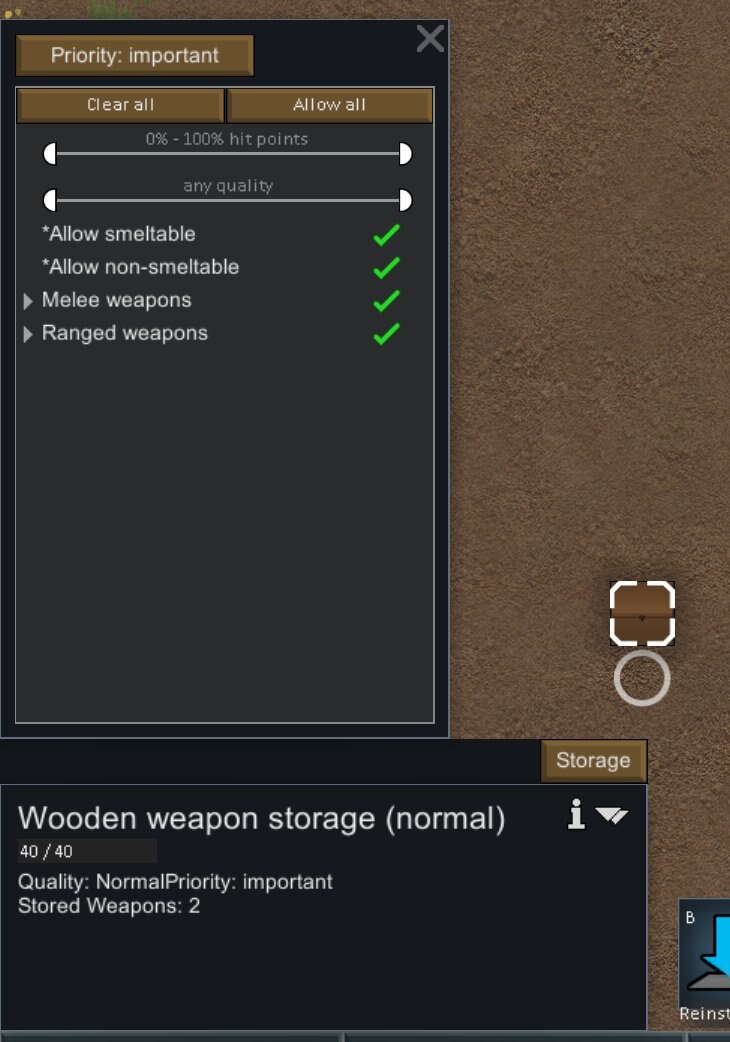
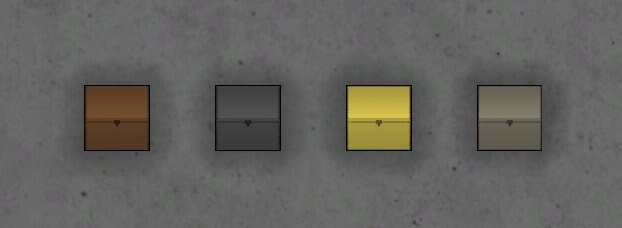
Weapon Storage container
- Build menu: Misc.
- Size: 1×1.
- Cost: 40 steel + 40 wood/stone/steel.
- Stores: Weapons (ranged and melee).
Repair Attachment
- Build menu: Misc.
- Size: 1×1.
- Cost: 250 steel + 6 components + 20 wood/stone/steel.
- Power: 10 W (idle) or 1000 W (in use).
- Placement: Place within 6 tiles of a weapon storage to have weapons repaired automatically.
- Research required: Mending & Multi-Analyzer.
- Mending Mod not required (but recommended).
Assigning weapons to pawns
- Load one or more weapon storage containers with weapons.
- Select a weapon storage.
- Select the “Assign Weapons” button.
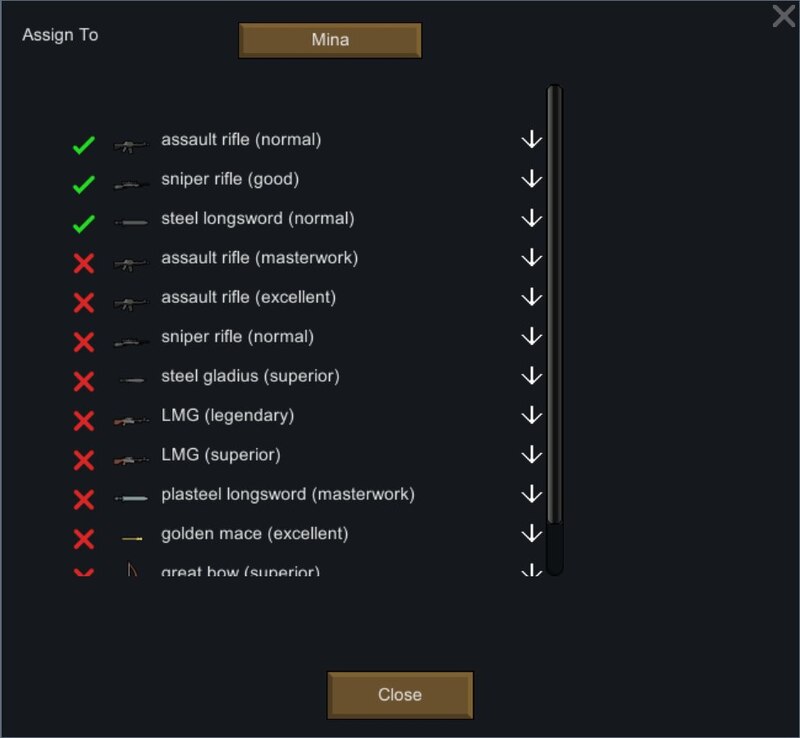
- Select the pawn to assign weapons to.
- Select the weapons to assign to the pawn.
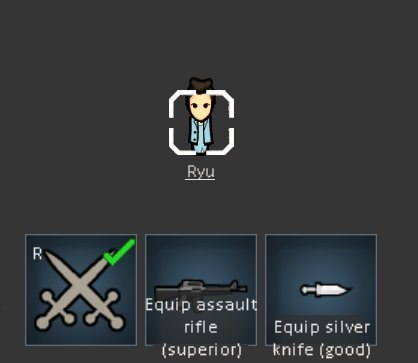
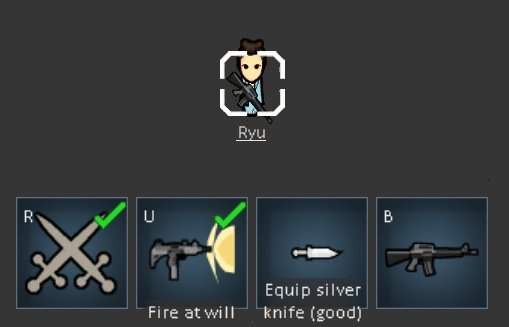
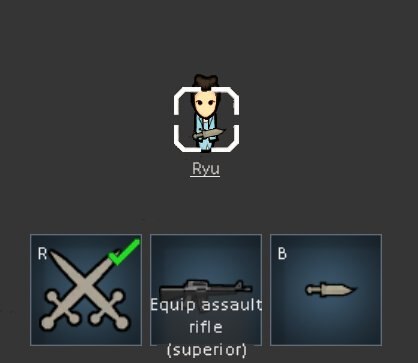
When a weapon is assigned to a pawn, it is no longer stored in that specific container. Instead, it is stored in a shared “pocket dimension” that can be accessed by the assigned pawn and any other weapon storage. While drafted, pawns can switch to any assigned weapon, swapping their current weapon into that same storage space.
Important behaviors
- If a weapon storage crate is destroyed, all stored weapons drop on the floor. Assigned weapons do not drop and remain usable by the assigned pawns (you can manage them from any other weapon storage).
- Items stored in weapon storage do not appear in merchant screens. Use the “Empty” button to drop items to the floor so they can be sold.
- If a pawn drops a weapon they were assigned to, they are no longer assigned to that weapon.
- If a pawn picks up a weapon, they become assigned to that weapon.
- If a drafted pawn is holding a non-weapon in the primary equipment slot, it will be placed on the ground instead of being stored.
Caravans
Weapons stored in weapon storage are available when forming caravans. While pawns are preparing to leave (until they exit the map or you cancel), weapons may remain scattered around storages. If items are not collected correctly, use the “Collect” button on the weapon storages.
If you cancel from the Form Caravan window, weapons will not be collected automatically (a known limitation). You can fix this by using “Collect” or by forming another caravan and letting it leave or canceling it.
Repair Attachment details
- Detects weapons in attached storages that need repair.
- Each repair attachment repairs one weapon at a time.
- Multiple repair attachments can be used with one or more weapon storages (many-to-many).
Compatibility notes
- Compatible with: Save Storage & Outfit Settings Mod, Change Dresser Mod.
- Not supported: Dual Wield Mod, Combat Extended Mod.
When troubleshooting Weapon Storage Mod:
- See if the the error persists if you just have this mod and its requirements active.
- If not, try adding your other mods until it happens again.
- Always post your log using the Log Uploader.
- For best support, please use the Discord-channel for error-reporting.
- Do not report errors by making a discussion-thread, I get no notification of that.
- If you have the solution for a problem, please post it to the GitHub repository.
- Use RimSort to sort your mods.