 mlie
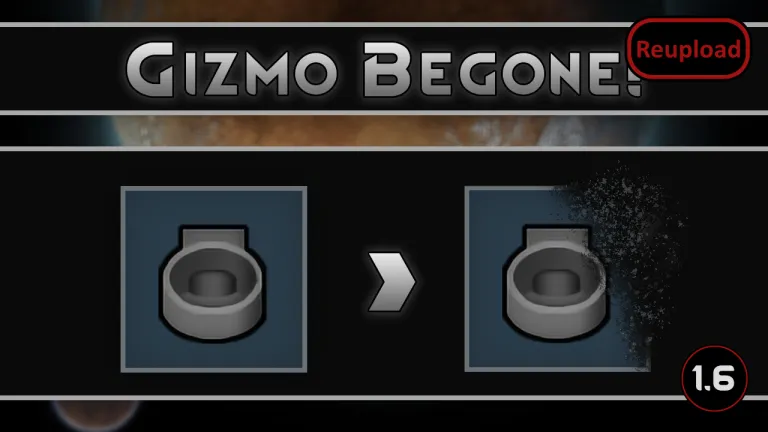
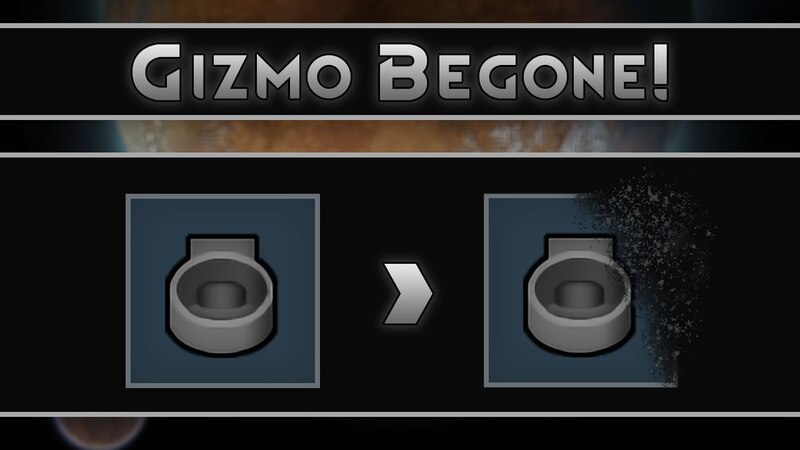
mlieThe Gizmo Begone! Mod allows you to clean up your Architect menu by hiding unwanted build buttons (gizmos), reducing clutter without removing any actual game content.
Gizmo Begone! Mod Features
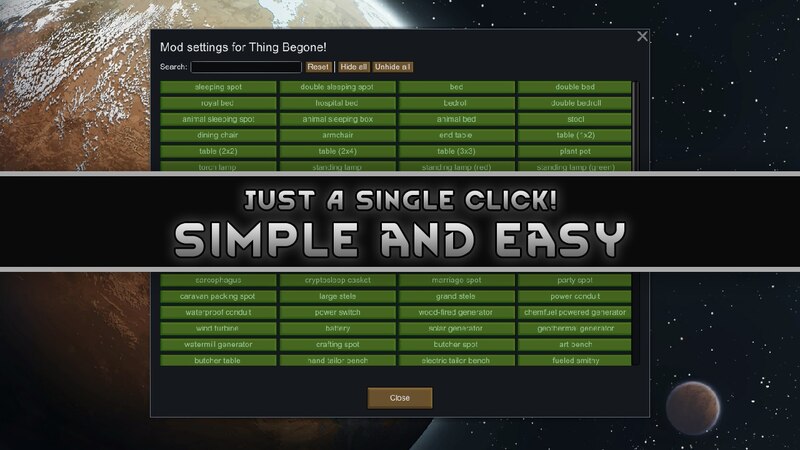
- Hide build options: Remove specific gizmos from the Architect tab with a single click.
- Non-destructive: Does not delete ThingDefs, buildings, or research; only hides the UI button.
- Applies everywhere: Hidden gizmos remain hidden even in god mode.
- Search improvements: Search bar includes mod names for easier filtering.
- Tooltip info: Displays which mod each gizmo belongs to in the settings.
How it works
- Select any ThingDef or TerrainDef in the settings and hide its associated gizmo.
- The object will still exist in the game and can spawn normally (e.g., through world generation).
- Only the ability to manually build it via the Architect tab is hidden.
FAQ
- Does it remove buildings or content? No, it only hides the build button in the UI.
- Does it affect research? No, research options remain unchanged.
- Can hidden items still appear in-game? Yes, they can still spawn naturally.
Compatibility notes
- May conflict with mods that modify the same functionality (e.g., RIMMSqol Mod). Only one such mod should be used at a time.
- Hard incompatibility: Raise The Roof Mod – causes all buttons in the “Zone” tab to be hidden due to category handling conflicts.
- Compatible with RIMMSqol Mod as long as Designation Category is not set to NONE.
- Tested alongside mods like Architect Expanded – Fences Mod and ToolBox Mod.
- Development is currently on indefinite hiatus.
When troubleshooting the Gizmo Begone! Mod:
- See if the error persists if you just have this mod and its requirements active.
- If not, try adding your other mods until it happens again.
- Always post your log using the Log Uploader.
- For best support, please use the Discord-channel for error-reporting.
- Do not report errors by making a discussion-thread, I get no notification of that.
- If you have the solution for a problem, please post it to the GitHub repository.
- Use RimSort to sort your mods.
Additional credits: Marnador, Andreas Pardeike, Tynan Sylvester.